.png)
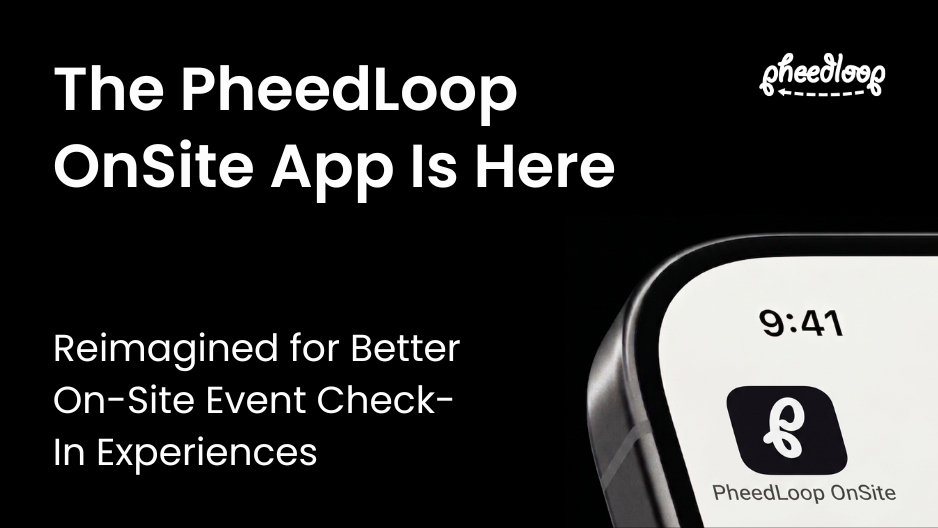
When attendees arrive at your event, the check-in experience sets the tone for everything that follows. Long lines, complicated setups, or inconsistent kiosk configurations can create unnecessary friction before the event even begins.
That’s why we’ve revamped the PheedLoop OnSite App to give event organizers device-level control over every kiosk and printer, faster setup, and fewer moving parts on event day.
The updated OnSite App introduces a refreshed experience, device-level configurability, and more flexible tools for managing event check-in and badge printing.
Whether you’re running a large conference, trade show, or corporate event, these improvements are designed to help your team spend less time managing technology and more time on the attendee experience itself.
What’s new in the PheedLoop OnSite App
We redesigned the OnSite App around one goal: making event-day operations easier to configure, manage, and scale.
Here’s what’s new:
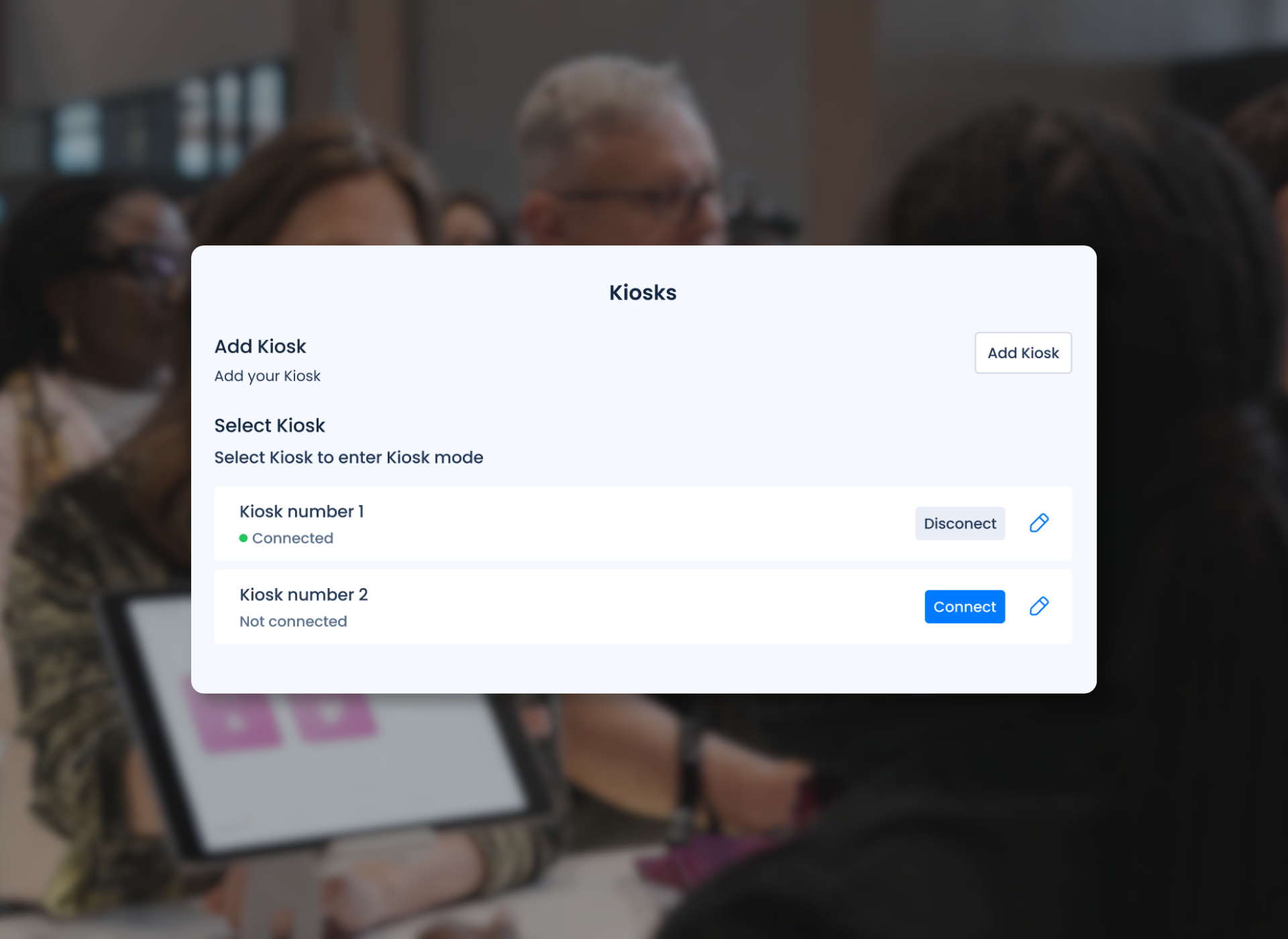
Every kiosk works the way you need it to
With new Kiosk Profiles, each iPad and printer can have its own dedicated configuration. Create unique setups for attendee check-in, VIP registration, speaker check-in, exhibitor registration, badge reprints, and more.
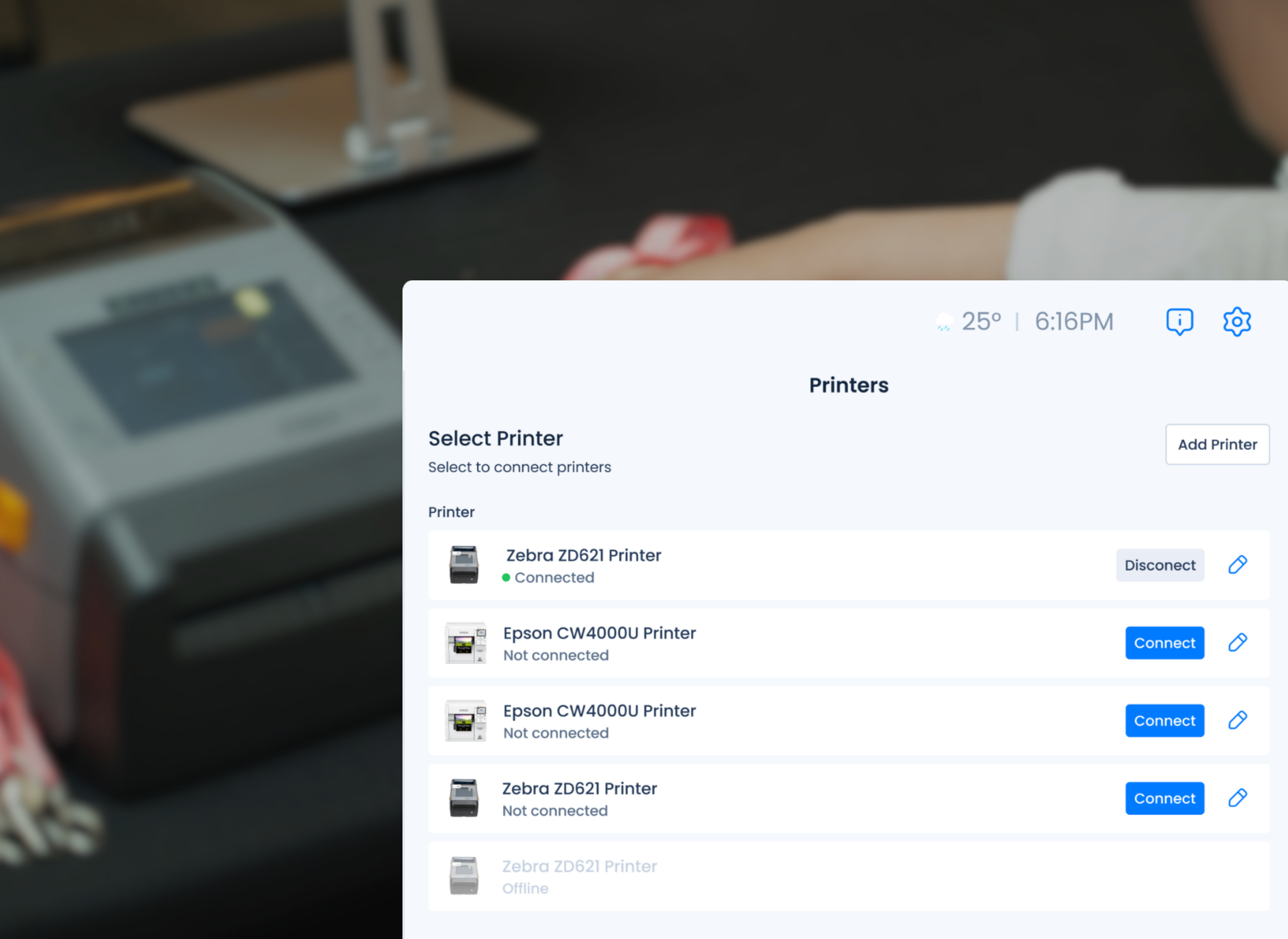
Configure printers without leaving the app
Set up your badge printers directly within the On-Site App without jumping back and forth between the Event Dashboard and your on-site devices. With configuration living at the device level, setup is faster, simpler, and easier to manage.
Set up once. Deploy across your venue.
Configure a kiosk profile on one device and apply those settings across your other devices and printers. This reduces repetitive setup work, saves time, and helps prevent configuration errors.
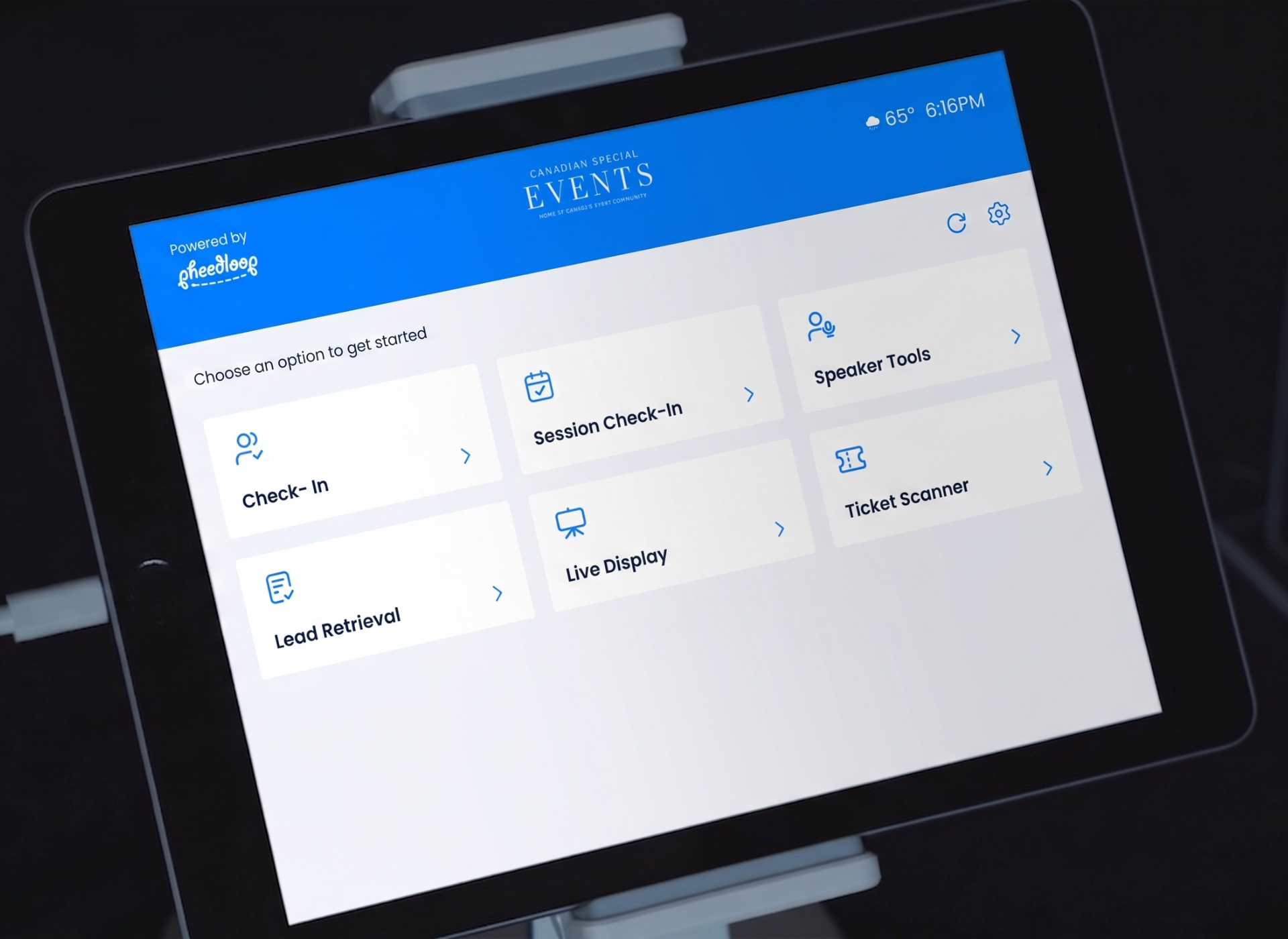
Turn kiosks into branded touchpoints
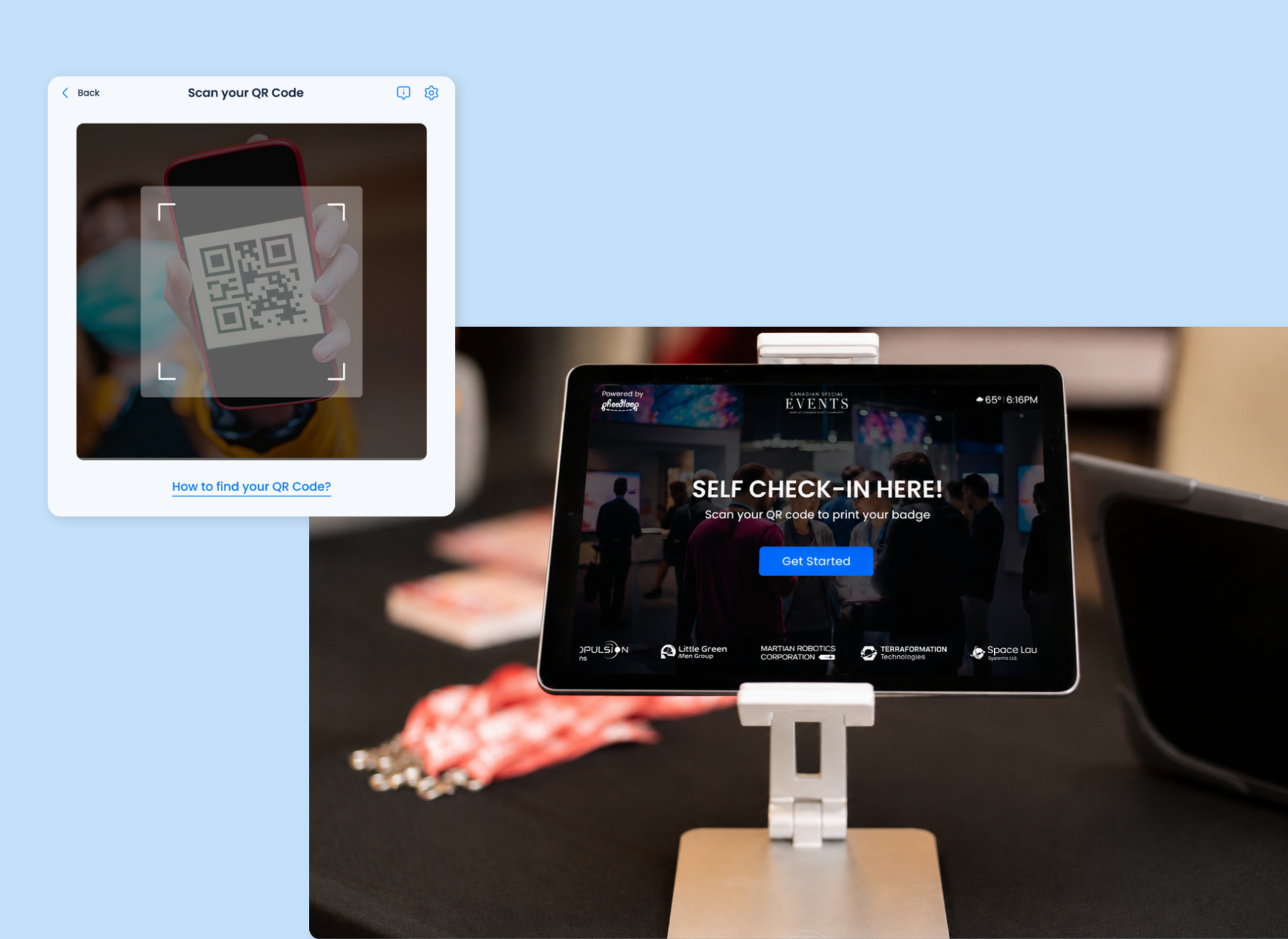
Create customizable splash screens with branded banners and messaging for each kiosk profile. Use them to welcome attendees, provide instructions, or showcase sponsor branding before check-in begins.
How to run different check-in experiences at the same event
Most events don't have one check-in flow, they have several stakeholder groups with different needs. With Kiosk Profiles, you can configure a dedicated flow for each group and run them in parallel across the venue:
Self-service attendee check-in. Let general attendees scan a QR code, print their own badge, and walk in without a staffer at every lane. This is the workflow that clears the morning rush fastest.
VIP and registration desk check-in. Give VIPs a staffed, branded kiosk separate from the general line, so they aren't waiting behind a few hundred general attendees.
Speaker and press check-in. Route speakers and media to their own station with the badge type and instructions they need, instead of funneling them through general check-in.
Exhibitor and sponsor registration. Set up a dedicated kiosk for exhibitors and sponsors arriving early for build-out, with their own badge profile and access.
Badge reprints and a staffed help station. Keep a reprint station running so a lost or misspelled badge is a 30-second fix at a side kiosk, not a hold-up in the main line.
Each one runs as its own Kiosk Profile, so you configure it once and push the right setup to the right device.
Available now
The revamped OnSite App is live for all PheedLoop customers. If you have an event on the calendar, you can put kiosk profiles, in-app printer setup, and branded splash screens to work on your very next check-in.
Already on PheedLoop? Open the updated app and start building your kiosk profiles, or email support@pheedloop.com if you'd like a walkthrough before your next event.
New to PheedLoop? Book a demo to watch on-site check-in, badge printing, and kiosk setup run live, and to see how the same platform handles registration long before the doors open.
.png)
.png)
.png)