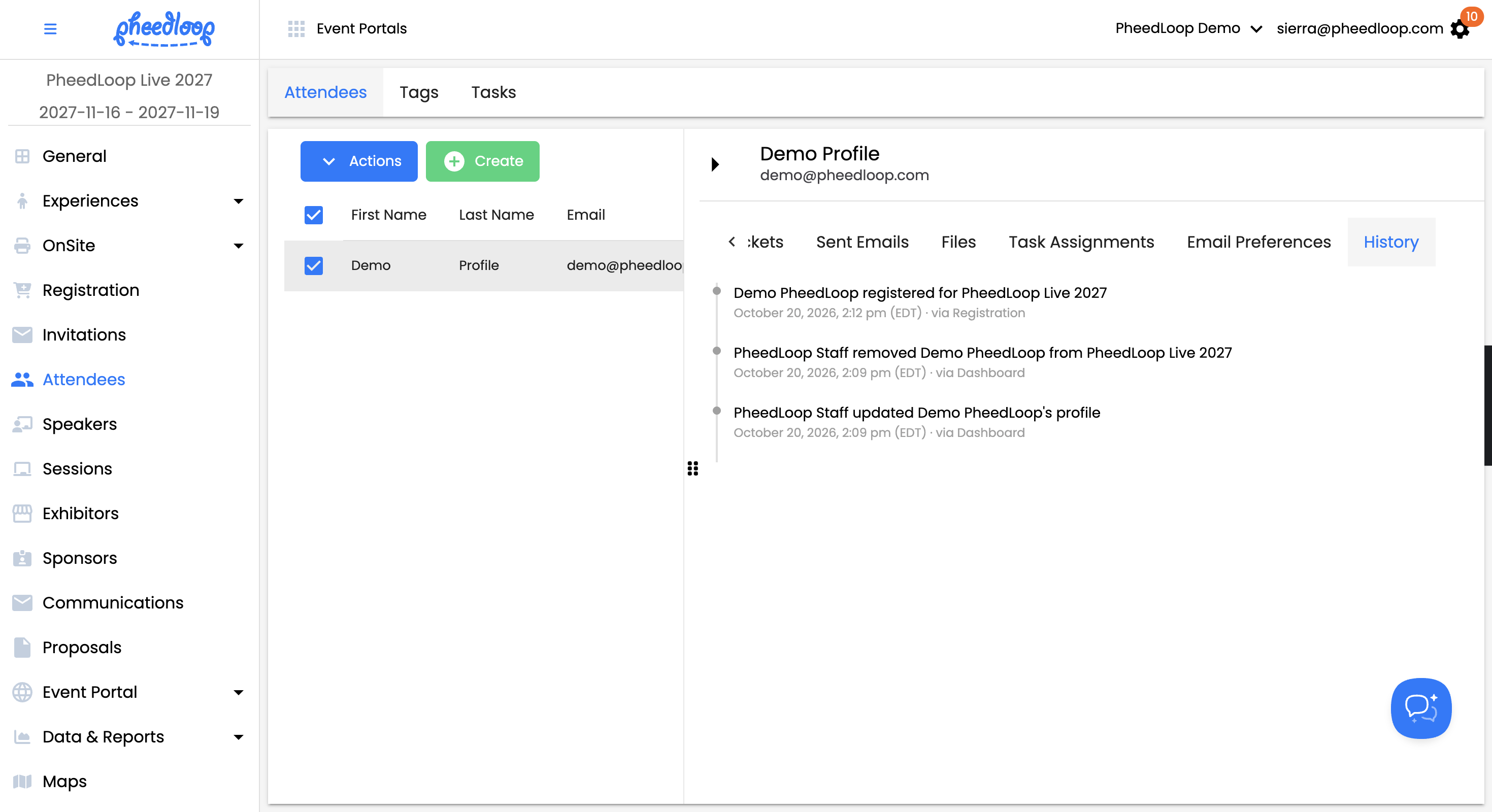
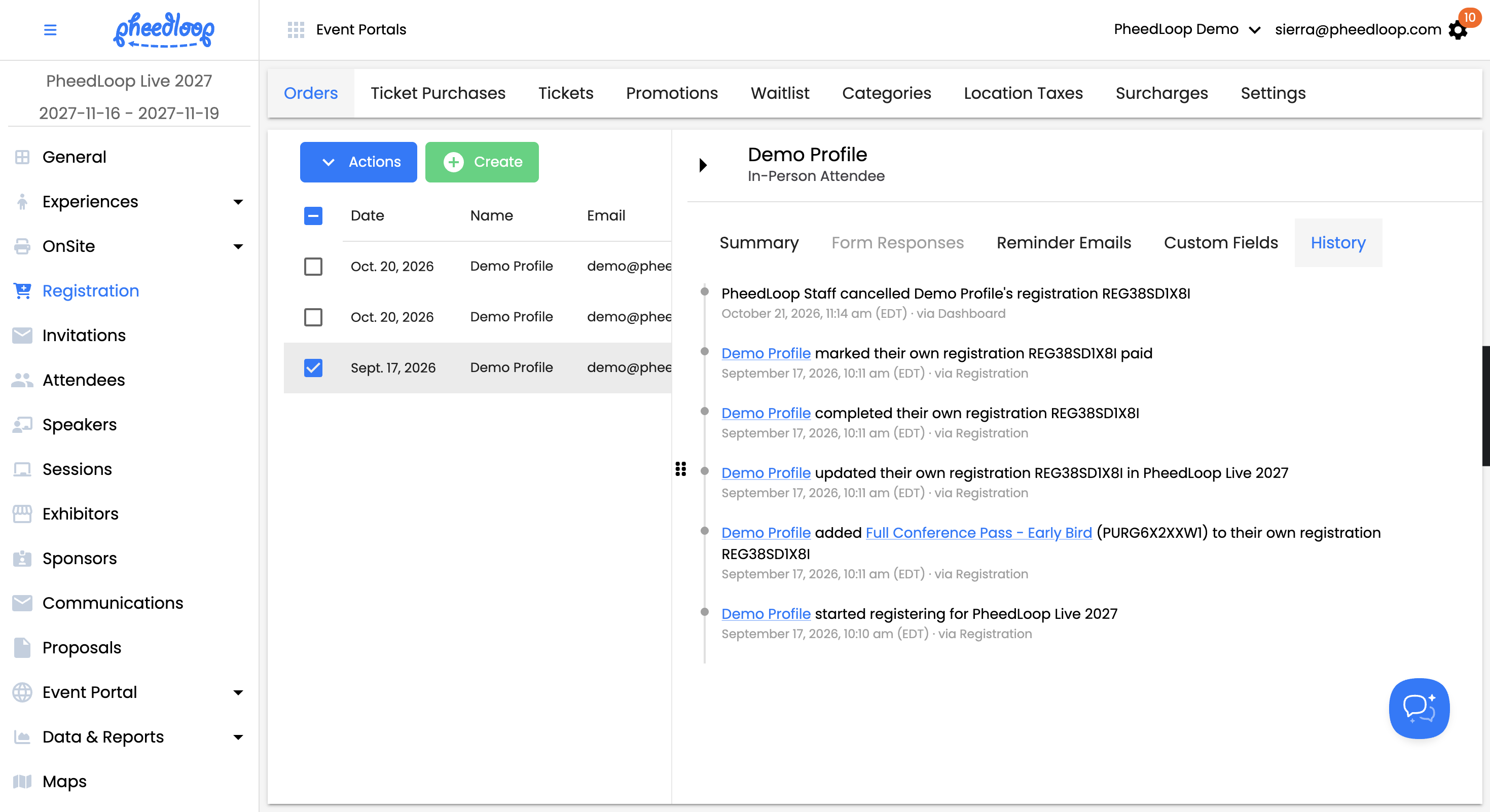
We've added visibility into what's happening on your attendee and registration records.
How It Works:
- See What Changed, Automatically: A new read-only History panel on the attendee and registration order drawers log key events, like when an attendee/registraton was added to an event, when and what was updated, along with who did it and where it came from (dashboard, API, mobile app).
- Self-Service Updates Included: The panel also captures updates attendees make themselves, and correctly credits staff and mobile app edits to the actual person making the change, instead of a generic "staff" or "API" tag.
No more guessing why an attendee showed up in your event — every key attendee and registration event now has a clear, readable trail. For more information: How can I view History and Audit Logs for my event?