




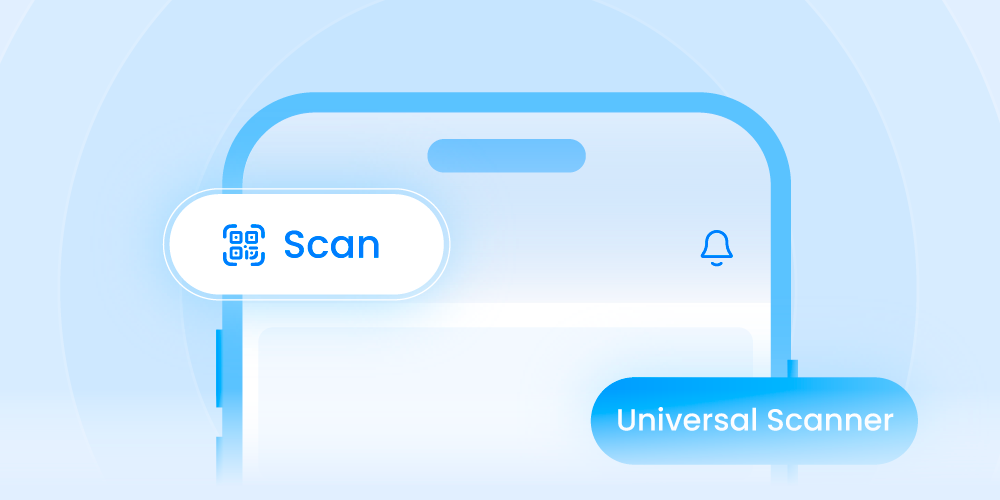
We've brought back the Universal Scanner in PheedLoop Go, with a new scan button right on the Home page.
Scanning at an event should be instant, not something attendees have to hunt for. Now the scanner is one tap away the moment someone opens the app, and it knows what to do with whatever it sees: an attendee badge, a session check-in code, a gamification code or a lead at an exhibitor's booth.
How It Works
- Scan Straight From the Home Page: A new scan button on the PheedLoop Go Home page gets attendees and exhibitors scanning in one tap, with no digging through menus. The scan buttons they already know, like the one on the Gamification page, open the same scanner
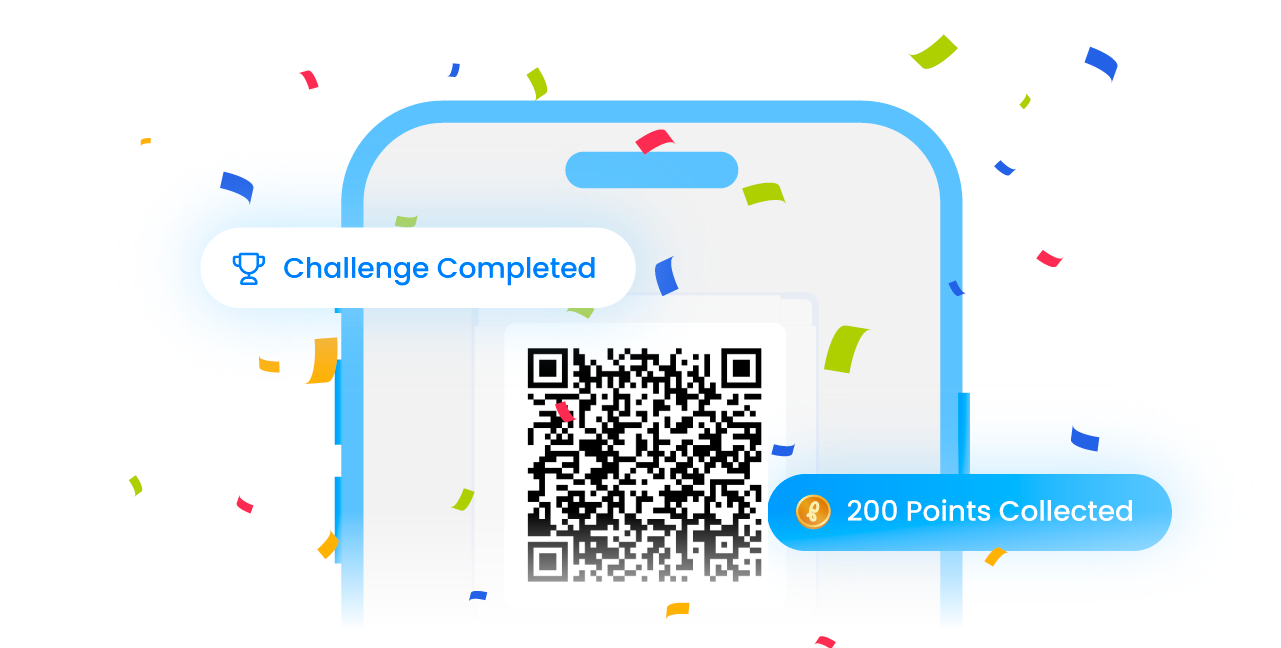
- One Scanner, the Right Result: Point it at any supported code and it shows the right result automatically: a saved contact for an attendee badge, a check-in for a session, points for a gamification code, or lead capture for exhibitors with Lead Retrieval.
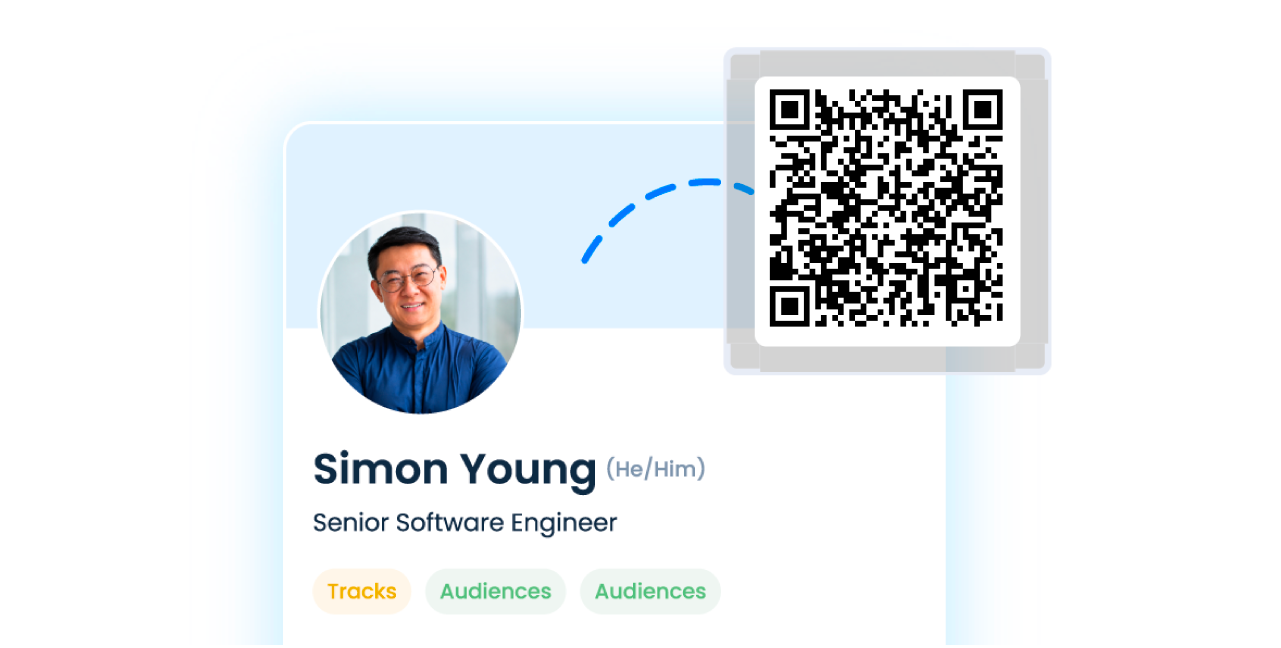
- Attendee Badge Scanning Is Back: Attendees can scan each other's badges to save contacts instantly. It was available in the original PheedLoop Go app and is a frequently requested capability. Only available with the Advanced Networking power-up.
Less time finding the scanner and more time making connections, with every code your event uses in one place.
Availability: Rolling out from November 5 for events with the Gamification, Advanced Networking, Lead Retrieval or Onsite power-up. Organizations with an event running November 5–15 switch over on November 16 at the earliest, so nothing changes mid-event. Staff scanning, like session attendance and ticket scanning, stays in PheedLoop Onsite.
Learn more: How can the Universal Scanner in the PheedLoop Go event app be used?